(()=>{for(const root of document.querySelectorAll('[data-snippet="minimal-enquiry-form"]')){if(root.dataset.initialized)continue;root.dataset.initialized='true';for(const form of root.querySelectorAll('[data-demo-form]')){form.querySelector('fieldset').disabled=false;form.addEventListener('submit',e=>{e.preventDefault();form.querySelector('[role=status]').textContent='Demo only: no information was sent. Connect and test your own backend for real delivery.';});}}})();
---
// Generated, escaped static markup. Use a distinct prefix for each instance.
const markup = "\u003csection class=\"fct-minimal-enquiry-form s-contact s-minimal\" data-snippet=\"minimal-enquiry-form\" aria-labelledby=\"fct-minimal-enquiry-form-heading\"\u003e\u003cdiv class=\"s-wrap\"\u003e\u003ch2 id=\"fct-minimal-enquiry-form-heading\" class=\"s-visually-hidden\"\u003eMinimal enquiry form\u003c/h2\u003e\u003cdiv class=\"s-contact-layout\"\u003e\u003cdiv\u003e\u003cp class=\"s-kicker\"\u003eA simple first step\u003c/p\u003e\u003ch2\u003eWhat can we\u003cbr\u003ehelp with?\u003c/h2\u003e\u003cp\u003eTell us what you have in mind. Replace this introduction with your actual response expectations.\u003c/p\u003e\u003c/div\u003e\u003cform data-demo-form action=\"#\" method=\"post\" aria-label=\"Contact enquiry\"\u003e\u003cfieldset disabled\u003e\u003clegend class=\"s-visually-hidden\"\u003eYour enquiry details\u003c/legend\u003e\u003clabel for=\"fct-minimal-enquiry-form-name\"\u003eName (required)\u003c/label\u003e\u003cinput id=\"fct-minimal-enquiry-form-name\" name=\"name\" type=\"text\" required autocomplete=\"name\" maxlength=\"100\"\u003e\u003clabel for=\"fct-minimal-enquiry-form-email\"\u003eEmail (required)\u003c/label\u003e\u003cinput id=\"fct-minimal-enquiry-form-email\" name=\"email\" type=\"email\" required autocomplete=\"email\" maxlength=\"254\"\u003e\u003clabel for=\"fct-minimal-enquiry-form-message\"\u003eMessage (required)\u003c/label\u003e\u003ctextarea id=\"fct-minimal-enquiry-form-message\" name=\"message\" rows=\"4\" maxlength=\"3000\" required\u003e\u003c/textarea\u003e\u003cbutton type=\"submit\" class=\"s-button\"\u003eSend enquiry\u003c/button\u003e\u003c/fieldset\u003e\u003cp class=\"s-demo-note\" role=\"status\"\u003eDemonstration only. Connect your backend before collecting information.\u003c/p\u003e\u003c/form\u003e\u003c/div\u003e\u003c/div\u003e\u003c/section\u003e";
---
<Fragment set:html={markup} />
<style is:global>
.fct-minimal-enquiry-form{--s-bg:#f7f4eb;--s-ink:#252d26;--s-accent:#4b5d36;font:16px/1.65 system-ui,sans-serif;color:var(--s-ink);background:var(--s-bg)}.fct-minimal-enquiry-form,.fct-minimal-enquiry-form *{box-sizing:border-box}.fct-minimal-enquiry-form :is(h2,h3,p,ul,figure){margin:0}.fct-minimal-enquiry-form h2,.fct-minimal-enquiry-form h3{line-height:1.2;letter-spacing:-.035em}.fct-minimal-enquiry-form h2{font-size:clamp(1.8rem,4vw,3.5rem)}.fct-minimal-enquiry-form a{color:inherit;text-underline-offset:5px;overflow-wrap:anywhere}.fct-minimal-enquiry-form :is(a,button,input,textarea,select,summary):focus-visible{outline:3px solid var(--s-accent);outline-offset:4px}.fct-minimal-enquiry-form button,.fct-minimal-enquiry-form input,.fct-minimal-enquiry-form textarea,.fct-minimal-enquiry-form select{font:inherit}.fct-minimal-enquiry-form a,.fct-minimal-enquiry-form button{touch-action:manipulation}.fct-minimal-enquiry-form .s-wrap{max-width:1200px;margin-inline:auto;padding:40px 28px}.fct-minimal-enquiry-form .s-kicker{font-size:.8125rem;letter-spacing:.13em;text-transform:uppercase;margin-bottom:18px}.fct-minimal-enquiry-form .s-button{display:inline-flex;align-items:center;justify-content:center;min-height:46px;padding:11px 21px;border:1px solid currentColor;text-decoration:none;background:transparent;color:inherit;cursor:pointer;border-radius:2px;font-weight:600}.fct-minimal-enquiry-form .s-muted{opacity:.82}.fct-minimal-enquiry-form .s-links{display:flex;gap:8px 26px;flex-wrap:wrap}.fct-minimal-enquiry-form .s-links a{display:inline-flex;align-items:center;min-height:44px}.fct-minimal-enquiry-form .s-rule{border-top:1px solid currentColor;padding-top:20px;margin-top:30px}.fct-minimal-enquiry-form .s-grid{display:grid;gap:28px;grid-template-columns:repeat(3,minmax(0,1fr))}.fct-minimal-enquiry-form img{max-width:100%;height:auto;display:block}.fct-minimal-enquiry-form .s-brand{font-size:1.3rem;font-weight:700;letter-spacing:-.05em;text-decoration:none}@media(max-width:640px){.fct-minimal-enquiry-form .s-wrap{padding:30px 20px}.fct-minimal-enquiry-form .s-grid{grid-template-columns:1fr}}
.fct-minimal-enquiry-form form{min-width:0}.fct-minimal-enquiry-form fieldset{border:0;margin:0;padding:0;min-width:0;display:grid;gap:10px}.fct-minimal-enquiry-form label{font-size:.9375rem;font-weight:600}.fct-minimal-enquiry-form :is(input,textarea,select){width:100%;min-height:46px;border:1px solid currentColor;border-radius:2px;background:var(--s-bg);color:var(--s-ink);padding:11px 12px}.fct-minimal-enquiry-form textarea{resize:vertical}.fct-minimal-enquiry-form form .s-button{justify-self:start;margin-top:10px}.fct-minimal-enquiry-form .s-demo-note{font-size:.875rem;margin-top:18px}.fct-minimal-enquiry-form .s-visually-hidden{position:absolute;width:1px;height:1px;overflow:hidden;clip-path:inset(50%);white-space:nowrap}
.fct-minimal-enquiry-form .s-contact-layout{display:grid;grid-template-columns:1fr 1fr;gap:clamp(30px,7vw,100px);align-items:start}.fct-minimal-enquiry-form .s-contact-layout>div>p{margin-top:24px;max-width:42ch}.fct-minimal-enquiry-form address{font-style:normal;margin:35px 0 20px}.fct-minimal-enquiry-form.s-minimal .s-contact-layout{display:block;max-width:640px;margin:auto}.fct-minimal-enquiry-form.s-minimal form{margin-top:40px}.fct-minimal-enquiry-form.s-appointment h2{font-family:Georgia,serif;font-weight:400}.fct-minimal-enquiry-form.s-directory .s-contact-layout{grid-template-columns:1fr}.fct-minimal-enquiry-form .s-directory{display:grid;grid-template-columns:repeat(3,1fr);gap:30px;border-bottom:1px solid currentColor;padding-bottom:35px}.fct-minimal-enquiry-form .s-directory h3{font-size:1.2rem;margin-bottom:15px}.fct-minimal-enquiry-form.s-directory form{max-width:720px}@media(max-width:720px){.fct-minimal-enquiry-form .s-contact-layout,.fct-minimal-enquiry-form .s-directory{grid-template-columns:1fr;gap:30px}}
</style>
<script is:inline>
(()=>{for(const root of document.querySelectorAll('[data-snippet="minimal-enquiry-form"]')){if(root.dataset.initialized)continue;root.dataset.initialized='true';for(const form of root.querySelectorAll('[data-demo-form]')){form.querySelector('fieldset').disabled=false;form.addEventListener('submit',e=>{e.preventDefault();form.querySelector('[role=status]').textContent='Demo only: no information was sent. Connect and test your own backend for real delivery.';});}}})();
</script>
Where this design fits
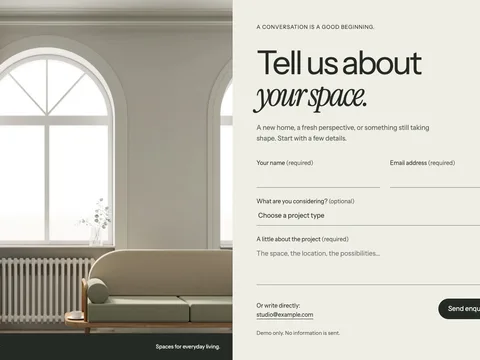
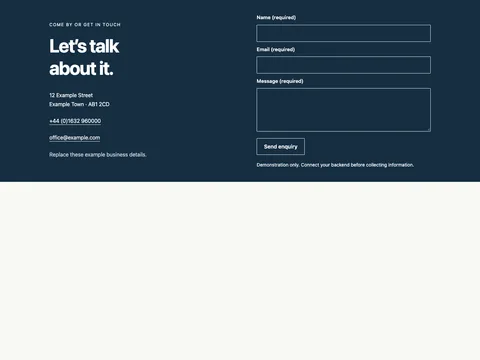
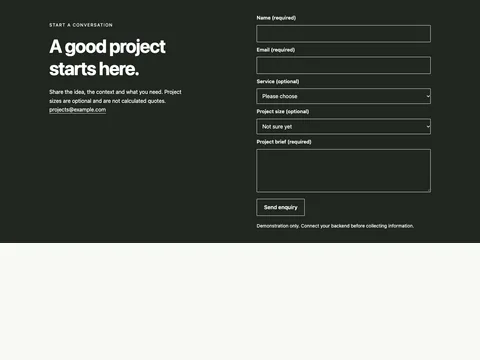
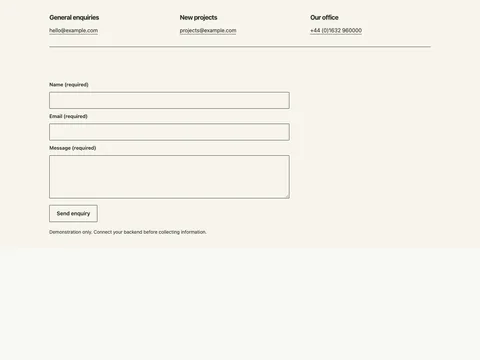
The narrow form keeps a simple enquiry focused. It asks for a name, email address and message without adding optional fields that may not help the recipient.
Compact field set
Single-column form
Visible required labels
What is included
The HTML ZIP includes a standalone demo, reusable markup, scoped CSS, its small JavaScript runtime, a license and setup notes. The Astro ZIP includes Snippet.astro. It can be imported into an existing Astro page or layout.
Connect a real form backend
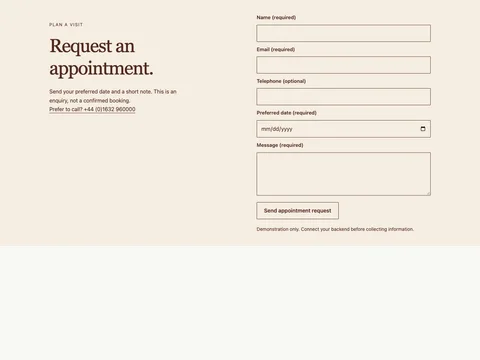
These forms demonstrate layout and native browser validation. No messages are sent. Configure the form action, remove the demo interception and disabled fieldset, then implement delivery, server validation and spam handling on your backend. Test actual success and error responses before publishing. An appointment request does not confirm availability.
Add it to an HTML website
Copy snippet.html into the relevant page section.
Load snippet.css after your existing site stylesheet. The class prefix identifies this design.
Load snippet.js once with defer. Keep the included keyboard behavior when adapting interactions.
Replace example content and check mobile widths, zoom, links and keyboard focus in your actual website.
Use it in Astro
Copy Snippet.astro into src/components/, import it into your page or shared layout, and insert the component where the section belongs. Keep each generated prefix unique if you duplicate a component on one page.
Keep the section maintainable
Start with the variables at the top of the CSS for background, text and accent colors. Preserve semantic labels and focus styles. Existing site selectors can still affect imported markup, so test the combined result. Read the complete setup notes.