Pricing · DESIGN EDITION
Index design membership pricing
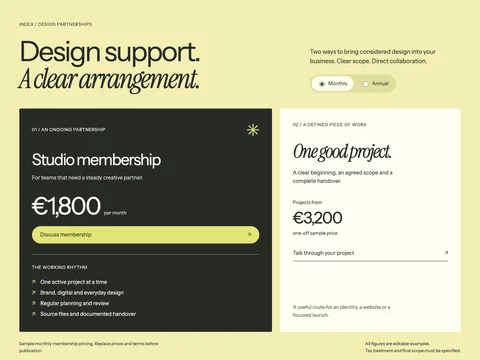
A design membership pricing section with a typographic introduction, asymmetric plan layout and explicit monthly and annual billing.
Small vanilla JavaScript enhancement · MIT codeCompare responsive pricing sections for service packages, memberships and software plans. Download HTML/CSS, billing toggle examples and Astro components.
6 designs
Pricing · DESIGN EDITION
A design membership pricing section with a typographic introduction, asymmetric plan layout and explicit monthly and annual billing.
Small vanilla JavaScript enhancement · MIT code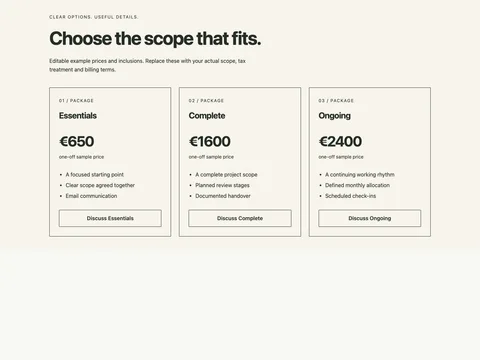
Pricing · HTML + ASTRO
Three plain service-package cards with defined scope, one-off prices and enquiry links.
No JavaScript required · MIT code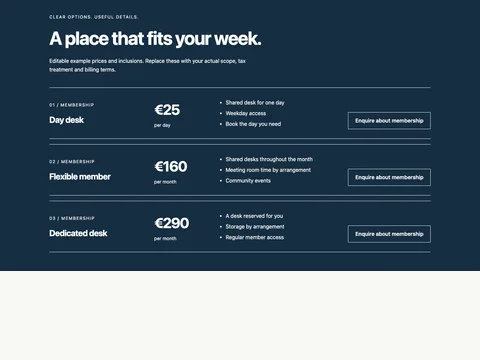
Pricing · HTML + ASTRO
A horizontal membership rate list with inclusions, monthly prices and individual action links.
No JavaScript required · MIT code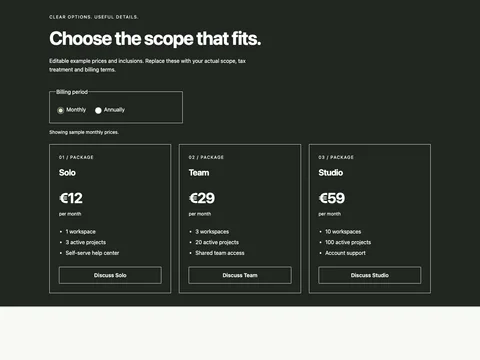
Pricing · HTML + ASTRO
A software pricing section with monthly and annual options, explicit annual totals and live price announcements.
Small vanilla JavaScript enhancement · MIT code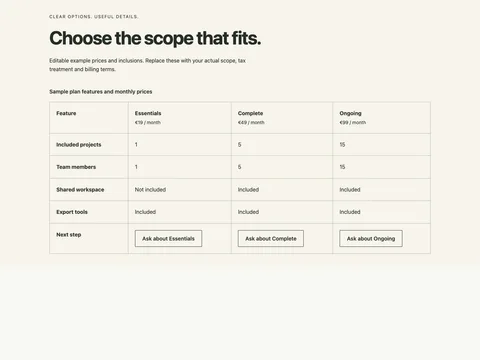
Pricing · HTML + ASTRO
A semantic feature comparison table with plan headers, row labels and included/not-included text.
No JavaScript required · MIT code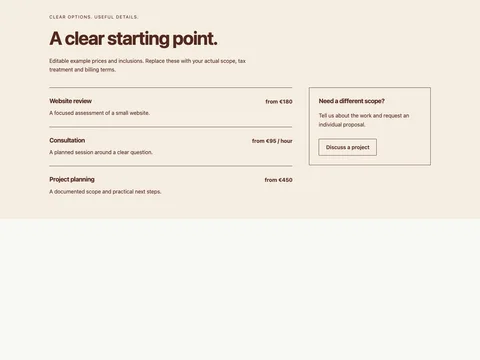
Pricing · HTML + ASTRO
A restrained service rate card with fixed-scope items, starting prices and an enquiry column.
No JavaScript required · MIT codeA pricing section should make the differences between options easy to understand. Use cards for a few packages, rows for memberships or service rates, and a real comparison table for a detailed feature matrix. The examples here include both one-off and recurring prices. All figures are editable sample content; replace them with your actual currency, scope and billing terms. The software example shows monthly prices, annual totals and a calculated monthly equivalent without inventing a discount.