
About Grove Landscaping
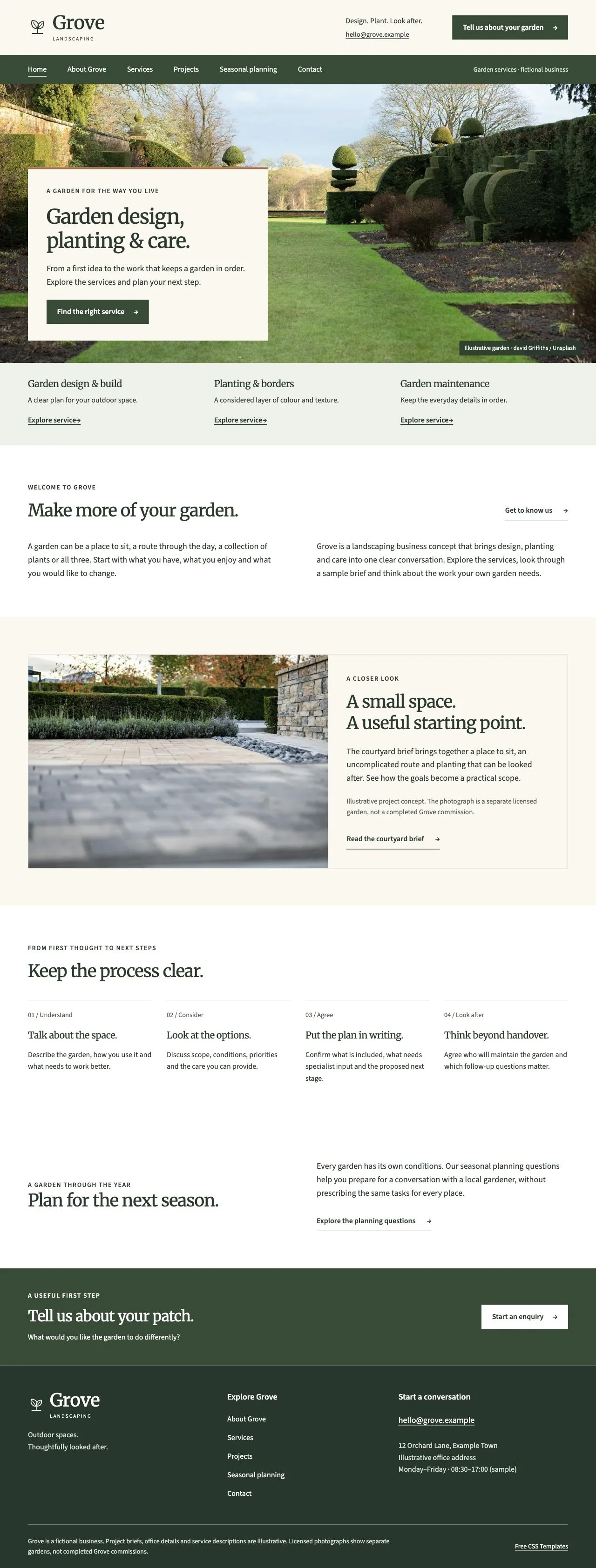
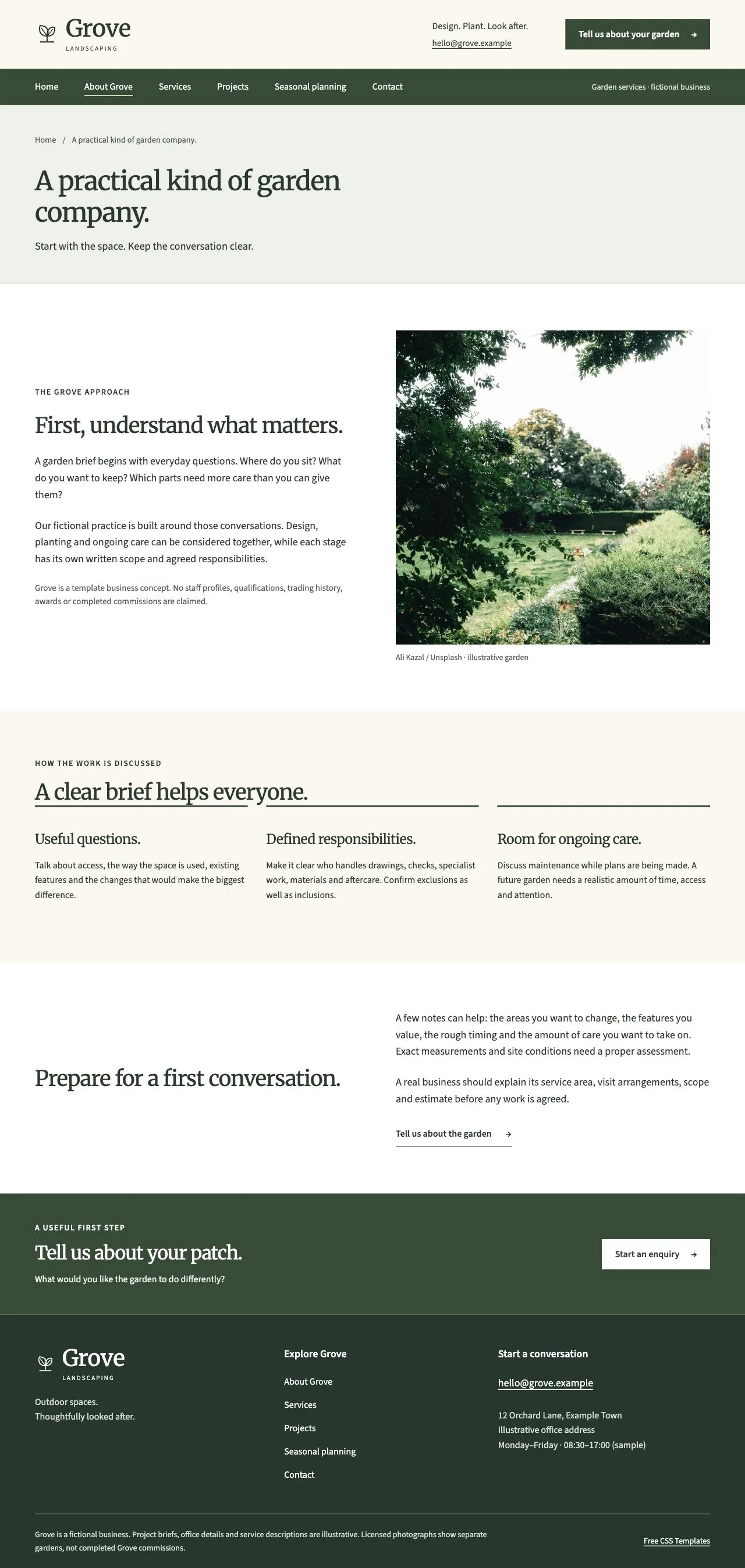
Grove Landscaping is a nine-page garden-services template with a familiar business-theme layout: an ivory masthead, separate olive navigation band, a wide garden photograph and a compact introduction panel. Service scopes, illustrative project briefs and seasonal planning questions give the inner pages a practical purpose. The typography pairs locally served Grove Serif and Grove Sans, renamed subset derivatives of Merriweather and Source Sans 3.
Best suited to: Independent landscaping businesses, garden designers and garden-maintenance providers that need clear service information and a structured enquiry route.
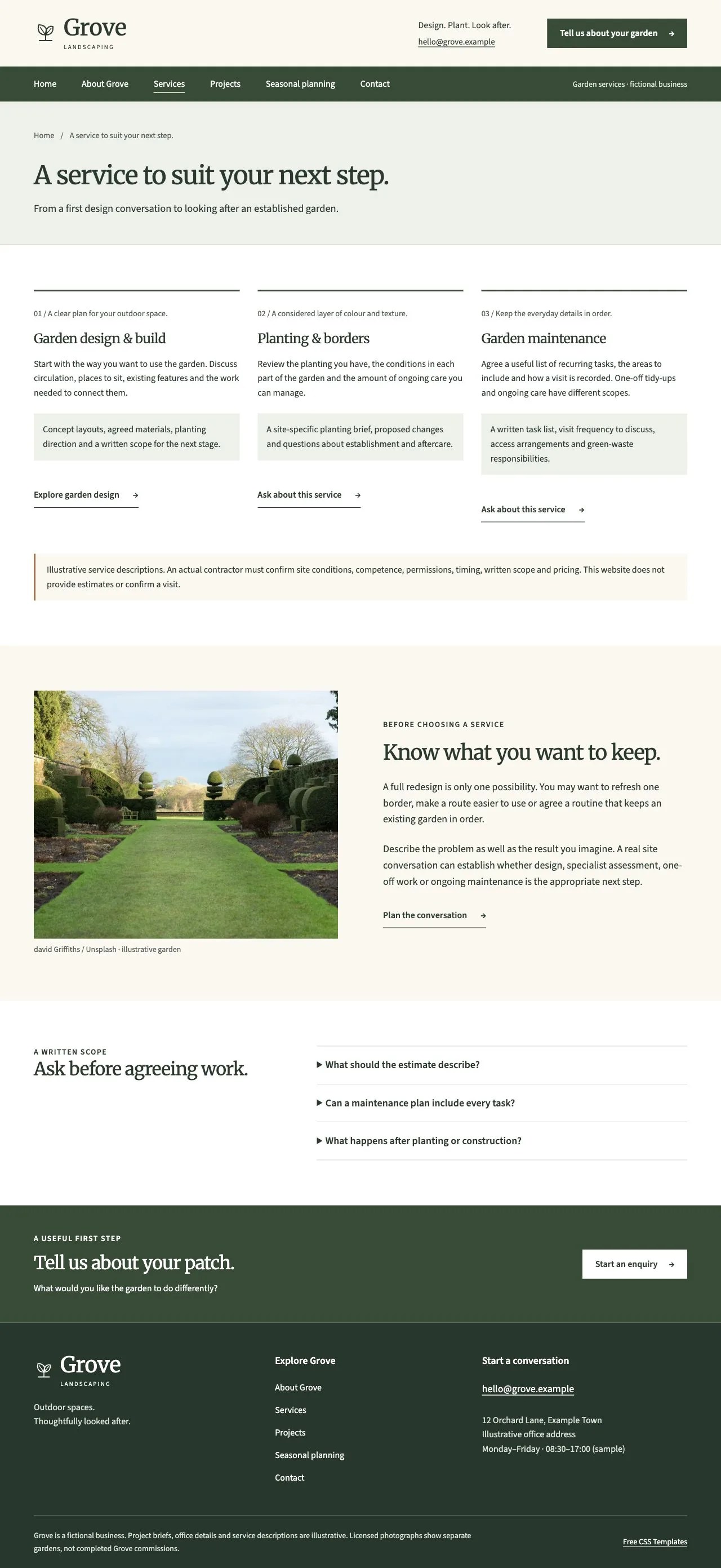
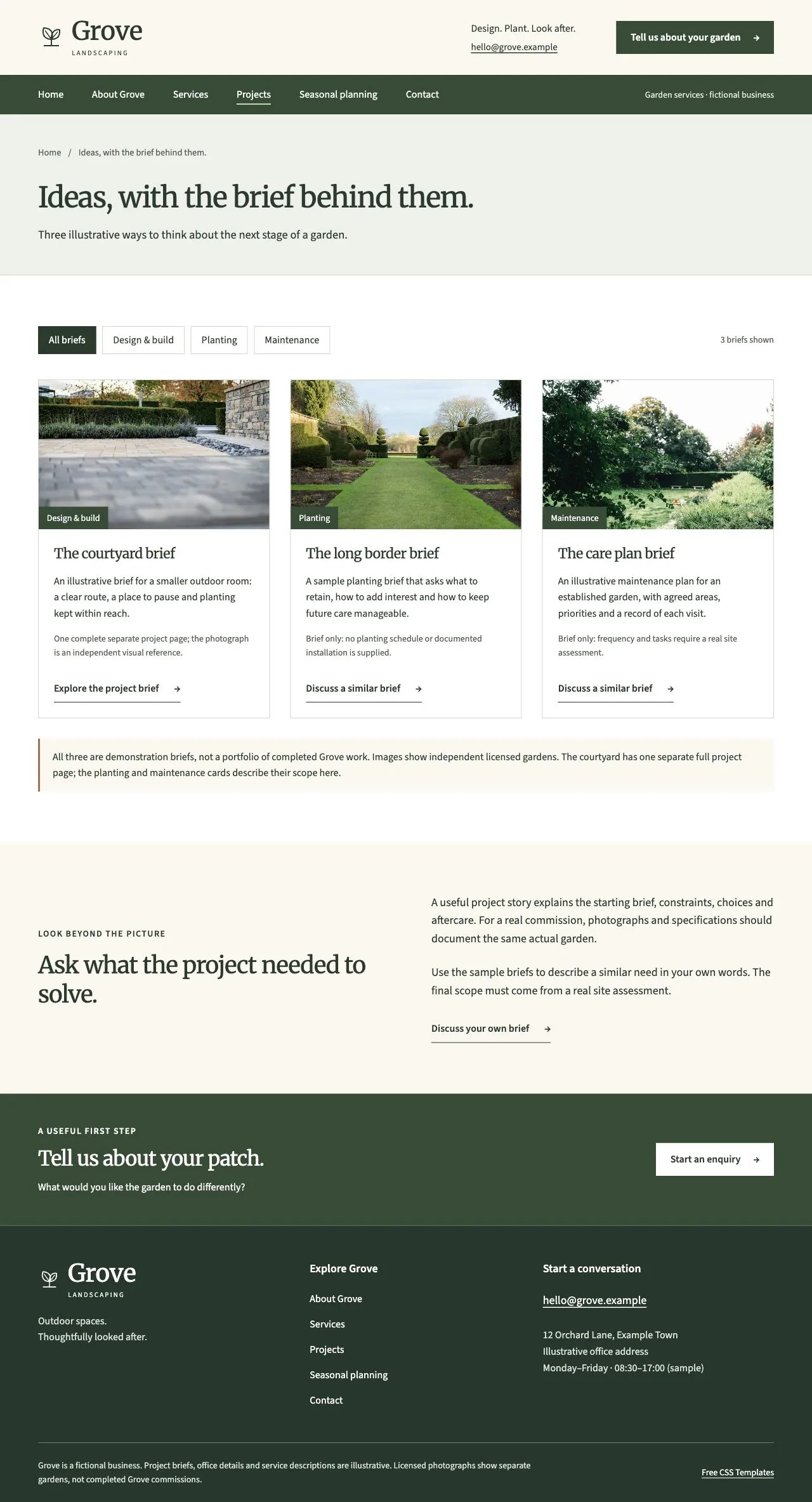
Desktop and mobile screenshots
Captured from version 1.0.0 on 30 October 2026. Open a screenshot to inspect the full page.



Choose your download
Both ZIPs contain the same 9-page design. Neither requires an account, subscription, or license key.
| Edition | Included files and requirements |
|---|---|
| Plain HTML ZIP 2.87 MiB |
9 HTML pages, CSS, JavaScript, local assets, manifest, licenses and setup notes. Requires: Any static host; no Node or build step required. |
| Standalone Astro source ZIP 2.92 MiB |
9 editable Astro pages, components, site data, styles/scripts, local assets, vendored kit, standalone lockfile and documentation. Requires: Node.js >=22.23.4 and npm >=9.6.5. No factory workspace, account, API key or hosted service required. |
What’s in the design
- Home introduces design/build, planting and maintenance beneath a wide garden hero, followed by the courtyard brief, a four-stage process and a seasonal planning route. The identity, leaf mark and layout are original.
- Services describes three scopes. Garden Design has one complete separate service-detail page; planting and maintenance have detailed service cards with enquiry links.
- Projects contains three illustrative briefs. Category filters show all three, or one design/build, planting or maintenance brief, and announce the result count. The courtyard is the only separate project-detail page.
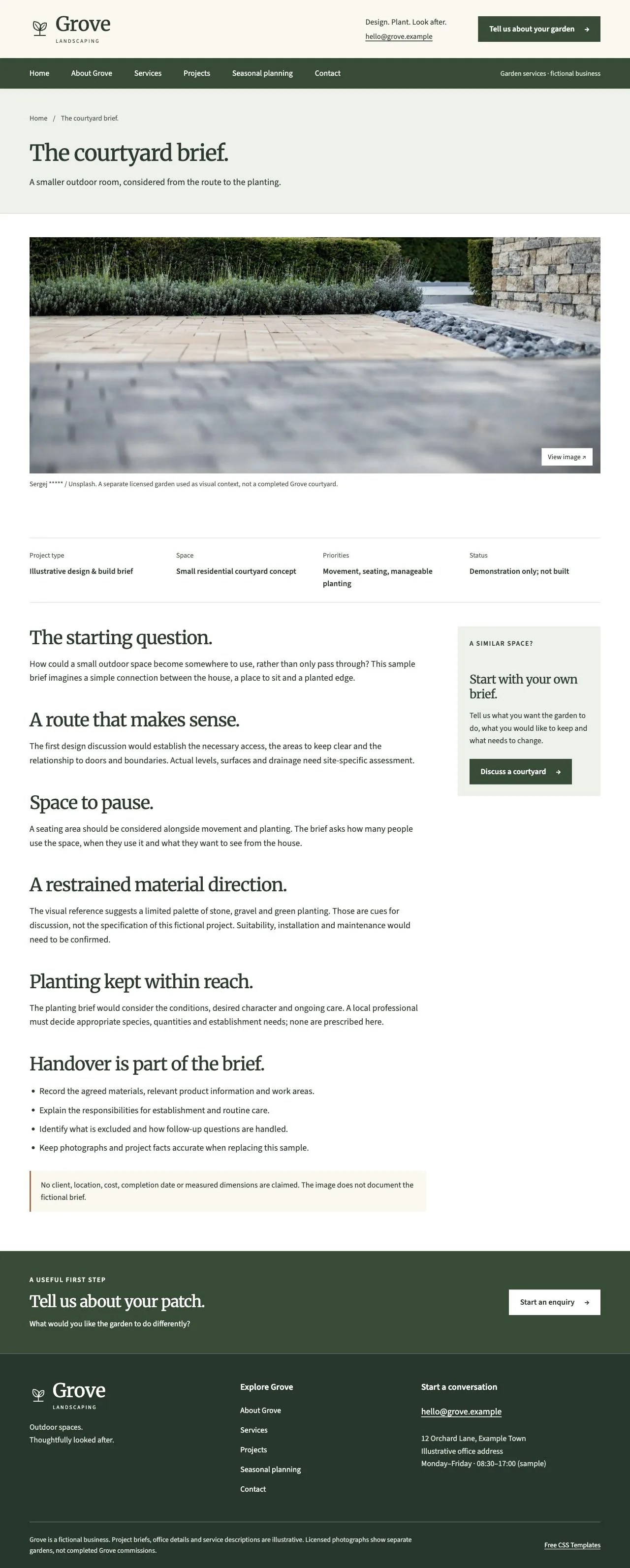
- The courtyard page explains circulation, seating, material direction, planting questions and handover responsibilities. Its one-image native viewer supports Previous/Next, arrow keys, Escape and focus restoration.
- Seasonal Planning provides four sets of questions via a labeled selector and live status. All four remain available without JavaScript and when printed. The prompts do not prescribe universal planting, pruning or treatment dates.
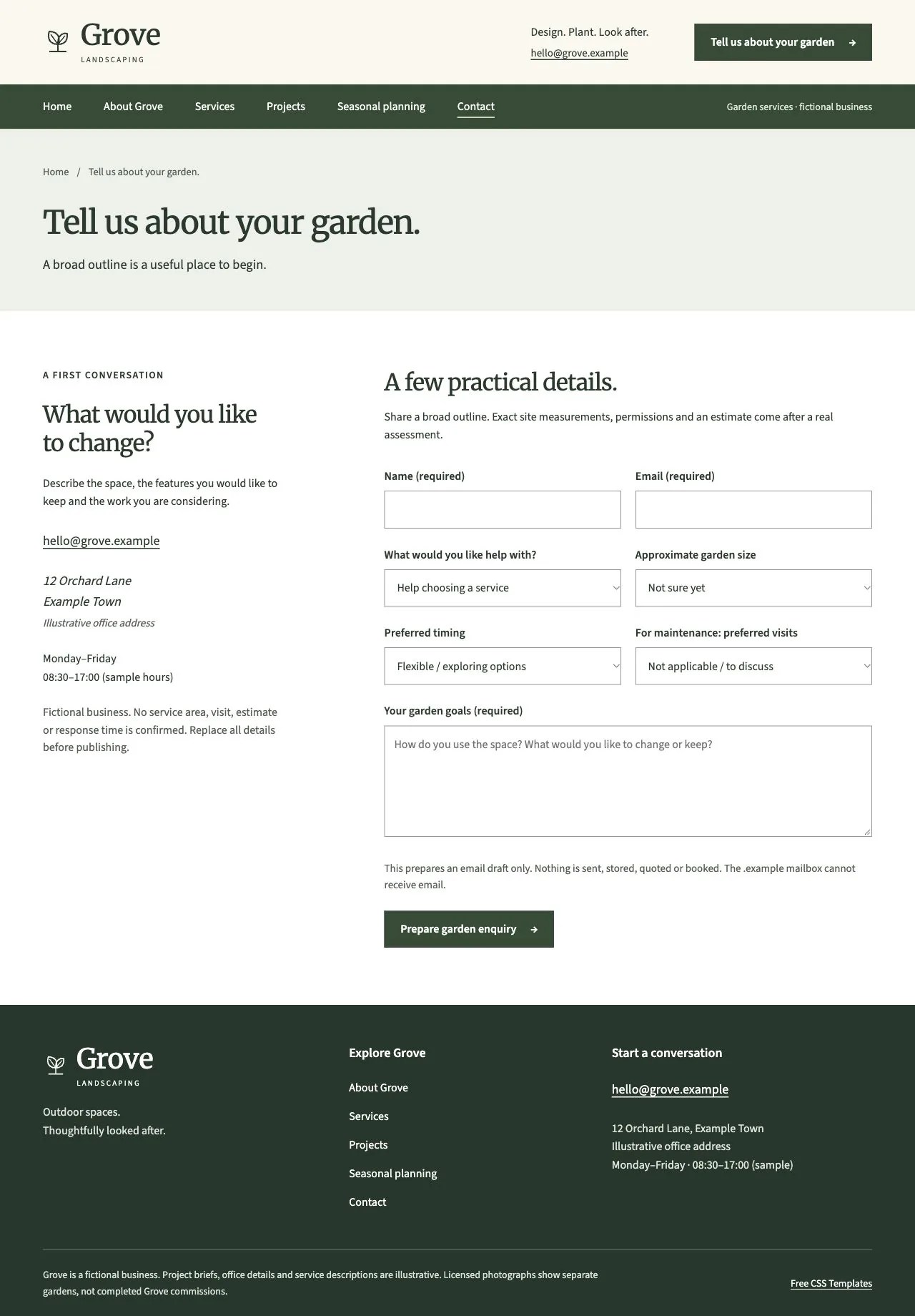
- Contact preselects an allowed service and collects name, email, approximate garden size, preferred timing, maintenance visit preference and garden goals. It creates a reviewable email draft only.
Verified page layouts
These 9 pages are included in both archives. Each link opens the live preview.
- Home
index.html - About Grove
about.html - Services
services.html - Garden design — service detail
garden-design.html - Projects
projects.html - The courtyard brief — project detail
project.html - Seasonal planning & FAQ
seasonal-planning.html - Contact / request a visit
contact.html - 404
404.html
How project enquiries and seasonal planning work
Required name, email and garden-goal fields use native browser validation. The service query parameter accepts only listed service IDs. Fixed options describe approximate size, timing and visit preferences; no site measurement or price is calculated.
Submit creates an encoded mailto draft. Nothing is sent, stored, quoted or booked. Visitors open an email app, review the draft and send it themselves. Replace [email protected] before launch; the reserved mailbox cannot receive mail.
Seasonal selection changes planning questions on the current page. It stores no preferences and gives no universal horticultural instructions. Actual timings and appropriate work depend on a real site, region and professional assessment.
Set up the Astro edition
Extract the source ZIP and run these commands from its folder:
npm ci
npm run dev
npm run check
npm run build
The build produces a dist/ folder for static hosting. The source includes its shared template kit under vendor/template-kit, so it builds independently of our development workspace. Astro 7.4.4 and the Astro checker 0.9.12 are pinned; TypeScript 6.0.3 is the latest supported by that checker’s declared peer range.
Before you launch
- Choose HTML for direct file editing, or Astro for shared layouts and source-driven content.
- Replace the fictional identity, service area, office details and project briefs. Use photographs and facts that accurately document the publishing business. Seasonal material must suit the actual region and site.
- Edit services, project briefs and seasonal questions in src/site.ts. Preserve unique IDs and verify allowed service preselection, filters, seasonal selection and enquiry fields.
- Replace imagery with licensed material. Keep responsive variants, src/images.json dimensions, alt text and ASSETS.md credits aligned.
- Set PUBLIC_SITE_URL to the real root/folder URL with a trailing slash for canonical/social metadata, robots.txt and a 8-page sitemap. Leave PUBLIC_PREVIEW unset for production.
- Upload the complete HTML folder or Astro dist/. Configure unknown URLs to serve 404.html with HTTP 404. Verify email drafts or connect a separately tested delivery backend.
A static garden-business website. No site assessment, professional design, planting schedule, pesticide advice, permission approval, fixed estimate, confirmed visit or delivery backend is supplied. One project and one service have separate detail pages; other briefs/scopes are described on their collection pages.
License and assets
The original template code is released under the included MIT license. It permits personal and commercial use; retain the license notice when redistributing the code. Visible footer attribution is optional.
Garden photographs are by Sergej *****, Ali Kazal and david Griffiths under the Unsplash License. They show independent gardens, not completed Grove commissions or the actual fictional courtyard brief. Local Grove Serif and Grove Sans are renamed OFL subset derivatives of Merriweather and Source Sans 3; original notices remain included. Unsplash License. Full asset credits.
Release verification
All 9 pages fit a 320px viewport without horizontal document overflow. Enquiry validation, allowed preselection, encoded drafts, mobile-menu keyboard behavior and the template’s filters and other controls were checked. The exact standalone Astro ZIP passed clean install, check and build outside the workspace, producing HTML identical to the HTML edition. Local Lighthouse runs scored 97–100 performance and 100 automated accessibility/best practices; content-page SEO scored 100. These laboratory checks are not a full accessibility certification or real-user performance measurement.
Version 1.0.0, reviewed 30 October 2026. Live preview. Plain HTML checksum. Standalone Astro source checksum. Grove is a fictional business. Project briefs, office information and service descriptions are illustrative; images do not document its commissions.


